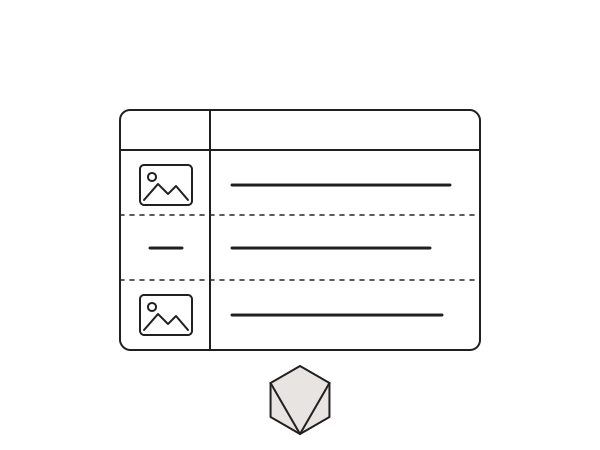
The WordPress posts list in wp-admin shows the title, author, categories, tags and date, but not the featured image. When you are triaging a blog with hundreds of posts, or checking which products still need a thumbnail, that missing column turns into a real time sink. You end up opening each post just to see whether it has an image. Here is the small snippet I drop into every content-heavy site to add a Featured Image column to the posts and pages list tables.
Why the column is missing
Featured images (post thumbnails) live in post meta, not in the default columns WordPress registers for the admin list table. Core keeps that table deliberately lean for speed, so unless a plugin or your theme adds it, there is no thumbnail preview. The good news is that WordPress exposes two pairs of filters for exactly this job: one to register the column header, and one to render each cell. That is all we need, and it works for both posts and pages.
The snippet
The first pair of filters adds the column to both the Posts and Pages tables. The second pair renders the thumbnail for each row, falling back to a dash when no featured image is set:
// Add the posts and pages columns filter. They both use the same function.
add_filter('manage_posts_columns', 'haizdesign_add_post_admin_thumbnail_column', 2);
add_filter('manage_pages_columns', 'haizdesign_add_post_admin_thumbnail_column', 2);

// Register the column
function haizdesign_add_post_admin_thumbnail_column($haizdesign_columns){
    $haizdesign_columns['haizdesign_thumb'] = __('Featured Image');
    return $haizdesign_columns;
}

// Render the column for posts and pages
add_action('manage_posts_custom_column', 'haizdesign_show_post_thumbnail_column', 5, 2);
add_action('manage_pages_custom_column', 'haizdesign_show_post_thumbnail_column', 5, 2);

// Get the 'thumbnail' size post thumbnail and display it
function haizdesign_show_post_thumbnail_column($column_name, $post_id){
    if( $column_name == 'haizdesign_thumb' ) {
        if ( has_post_thumbnail( $post_id ) ) {
            echo get_the_post_thumbnail( $post_id, 'thumbnail' );
        } else {
            echo '—';
        }
    }
}
It uses the built-in thumbnail image size, so the previews stay small and the list table stays fast. If a row has no image, it prints a simple dash so you can spot the gaps instantly, which is the whole point when you are auditing content.
Adapting it for custom post types
Running a custom post type, like Products or Portfolio items? Add the same two filters with your post type in the hook name, for example manage_product_posts_columns to register the header and manage_product_posts_custom_column to render it. The rendering function itself does not need to change.
How to install it
I never touch functions.php for this kind of tweak: theme updates wipe it, and one typo can white-screen the whole site. The Code Snippets plugin survives theme updates and lets you switch the code off in one click.
- Install and activate the Code Snippets plugin.
- Go to Snippets > Add New.
- Paste the snippet above.
- Set it to run everywhere and activate.
- Open Posts (or Pages) in wp-admin and you will see the new Featured Image column.
Still works in 2026
These admin column filters are core WordPress and have not changed in years, so the snippet still runs cleanly in 2026 on the latest release. It adds no extra database queries beyond the thumbnail lookup WordPress already caches, so there is no performance cost to leaving it on.
The snippet lives on GitHub: djaysan/wp-show-featured-images-in-dashboard. Star or fork it if it earns a place in your toolkit.
Want a WordPress admin that fits how your team actually works? Get in touch.